
Incoming paper mail creates scanning, sorting and filing work before the actual casework can begin.
Multi-page documents arrive in mixed batches and have to be separated, named and routed by hand.
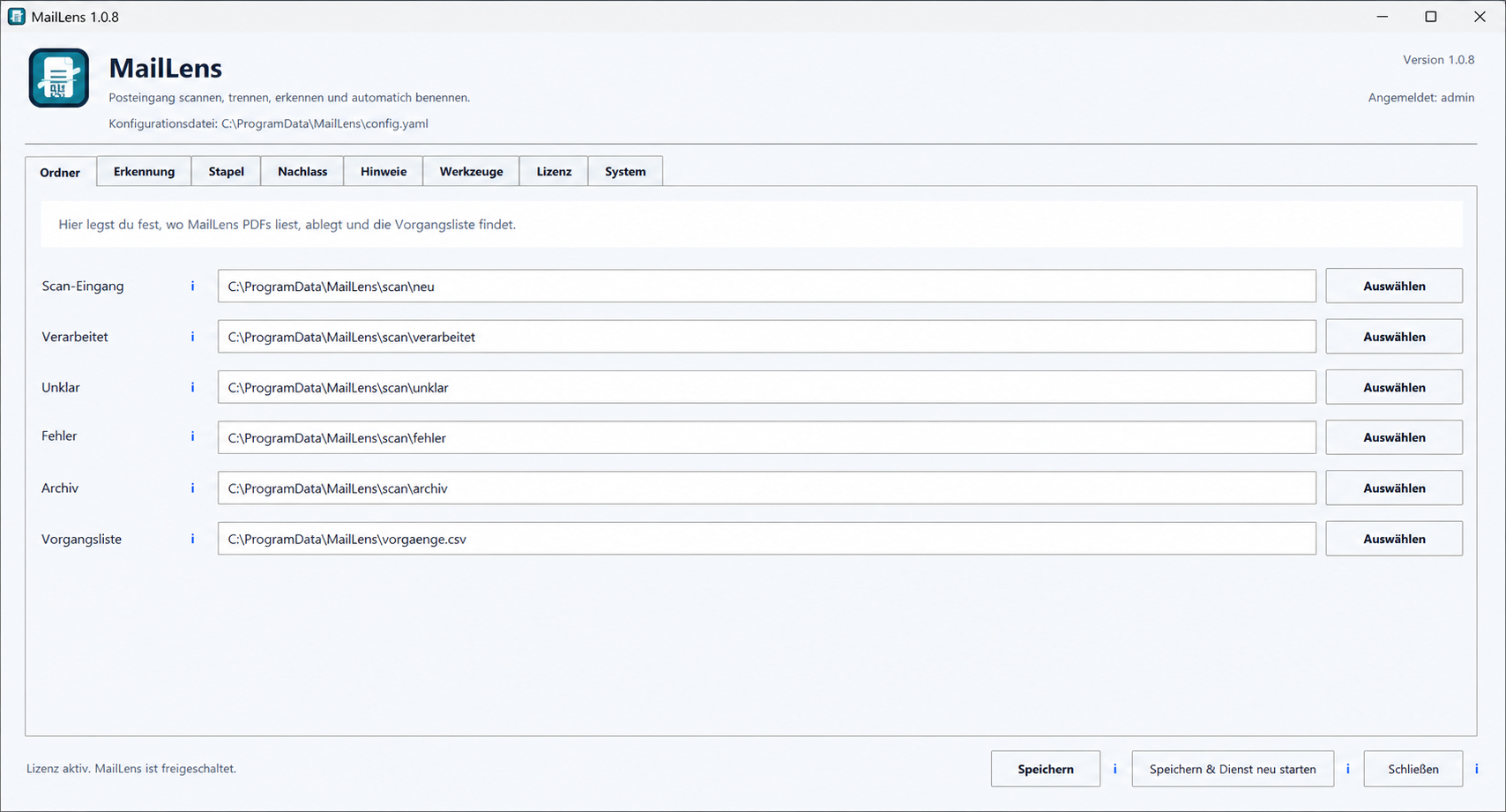
MailLens processes incoming post fully locally, groups related pages and uses built-in OCR to read, name and file each document automatically.
Back to all workMulti-page documents arrive in mixed batches and have to be separated, named and routed by hand.
The complete recognition and filing workflow runs locally on the system.
Teams start the actual review sooner while sensitive documents remain under local control.
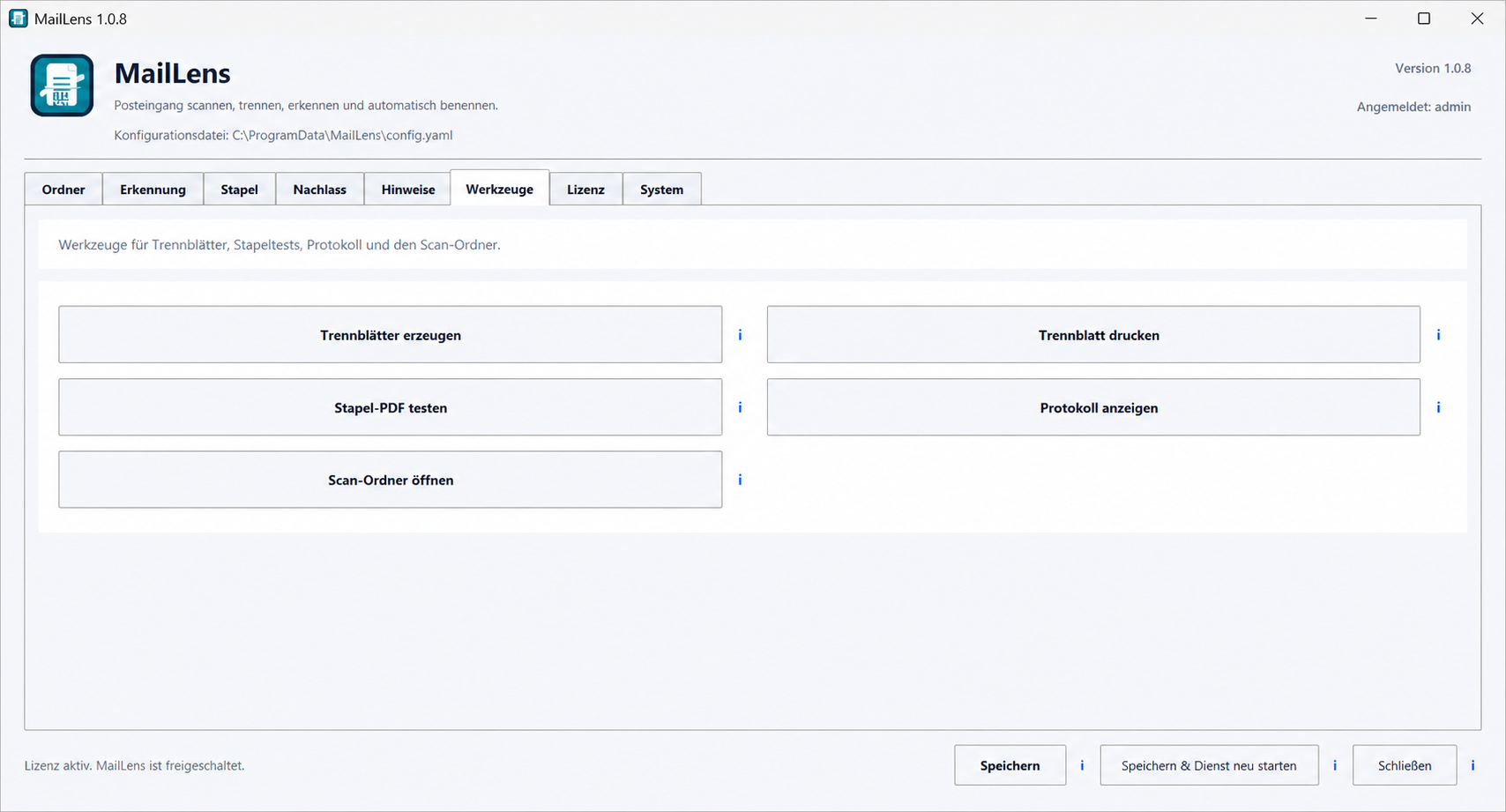
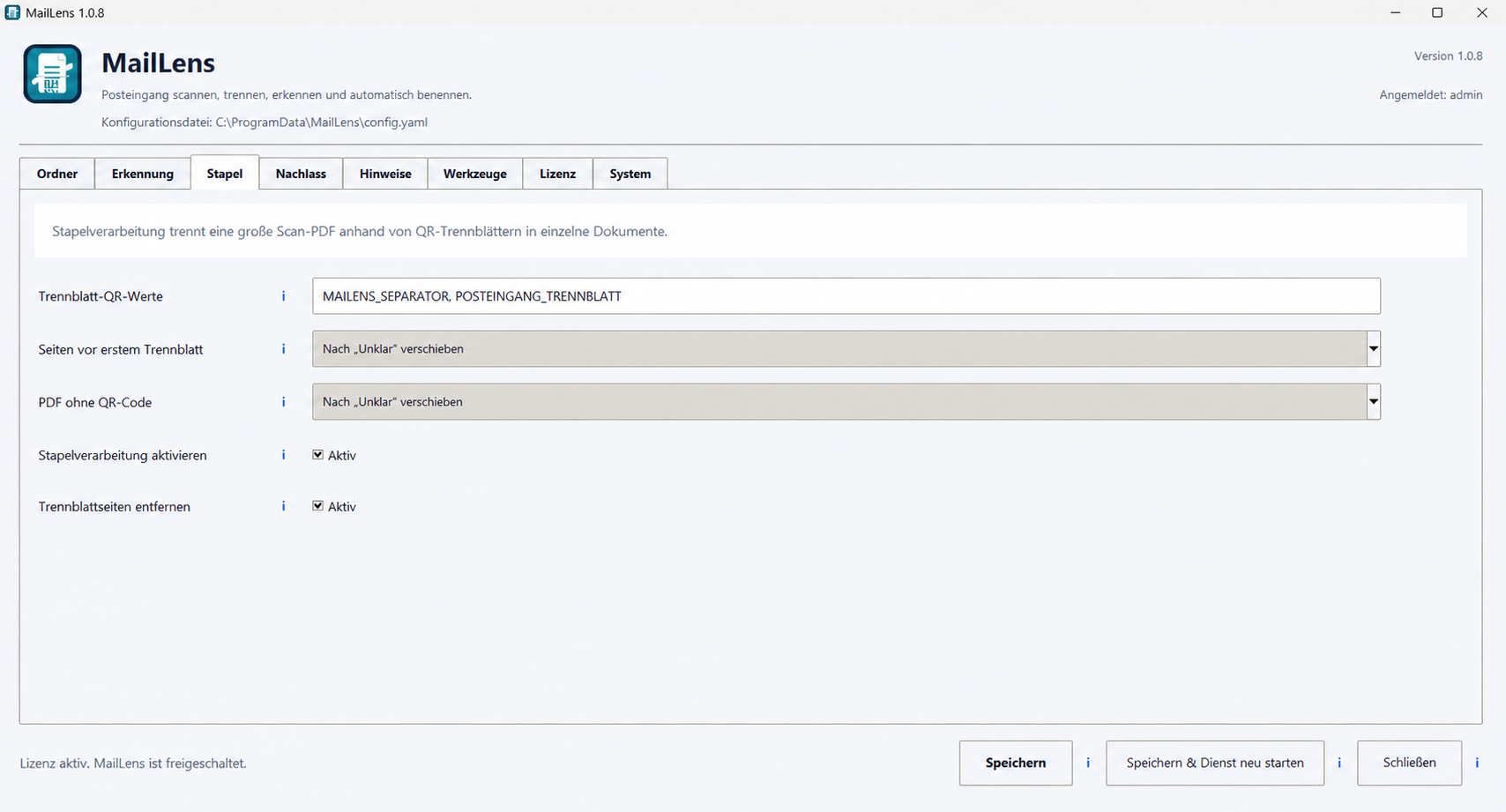
Separator sheets define where one document ends and the next begins, even within a large scan PDF.
OCR reads the document content locally and provides the information used for automatic naming.
Recognized documents receive consistent names and move into their configured destination folders.
Once the documents are prepared, the user selects Export to EstateLens. MailLens transfers the document set and the remaining import into a new estate inventory continues automatically, without another sorting round.